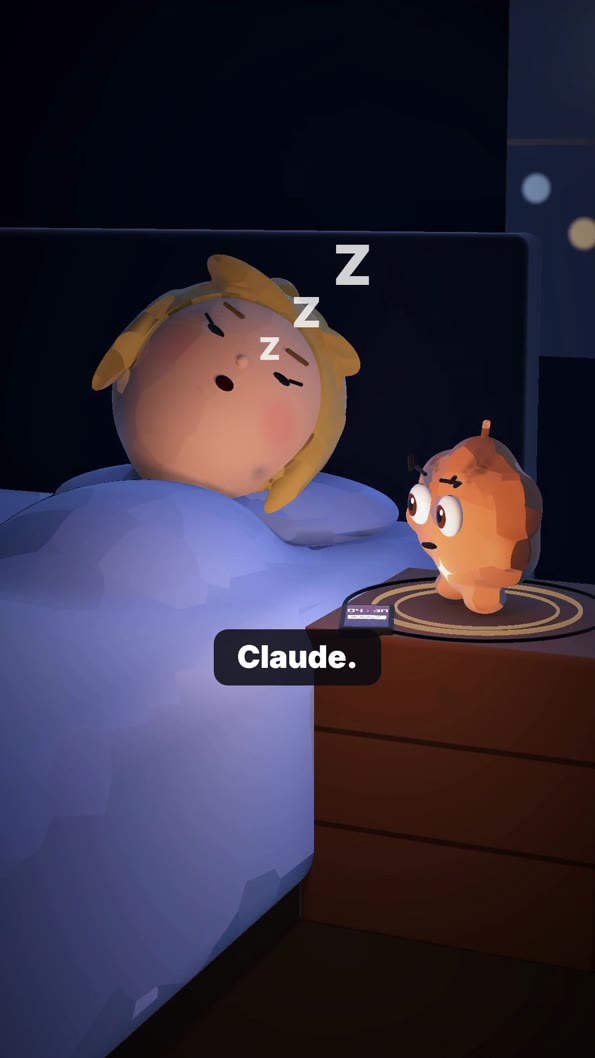
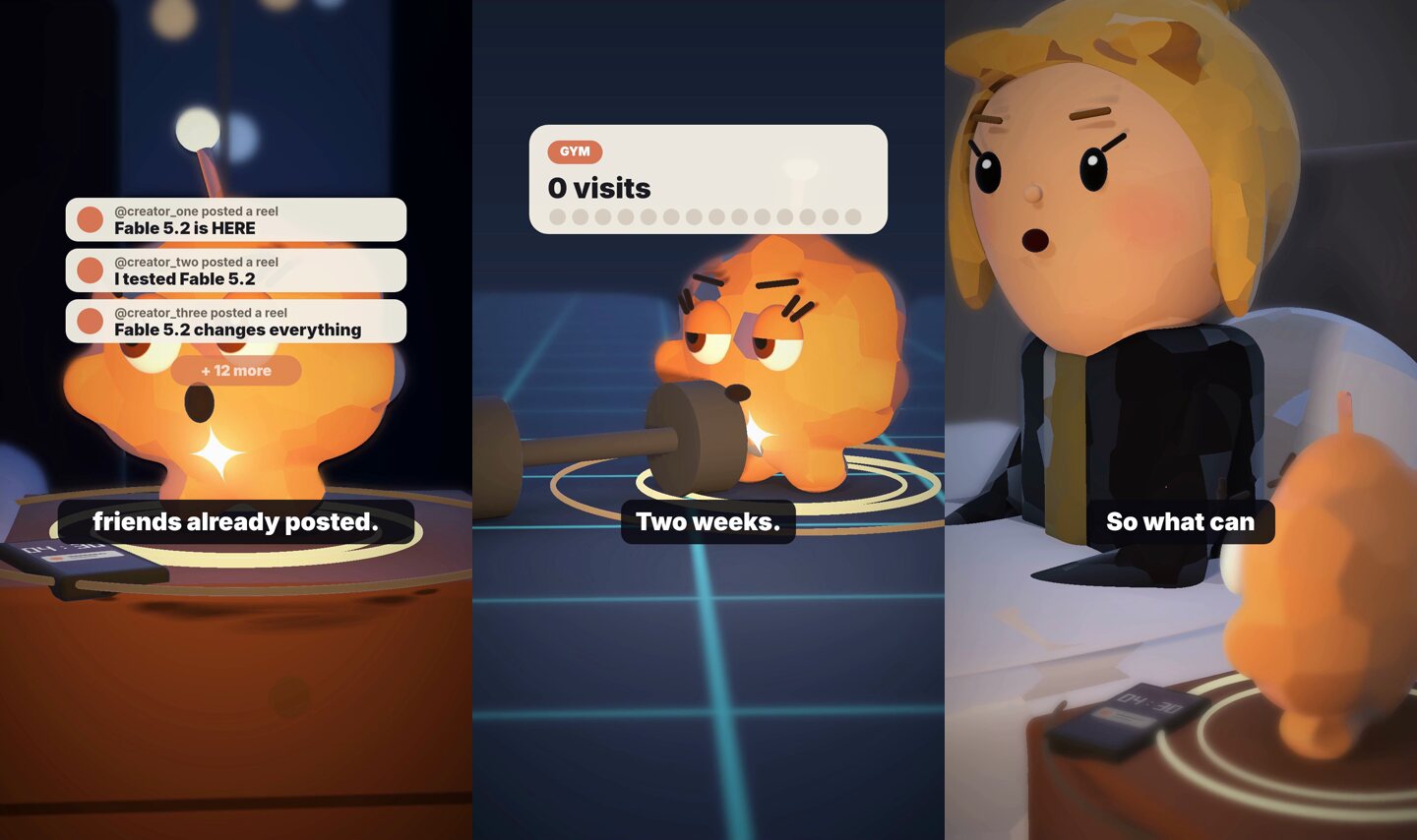
This is how my Claude bot reel was made. I didn't film anything and I didn't open an editor. Claude wrote the whole 3D scene as code, rendered it and fixed it from my feedback. I did most of it from my phone.
🤖 Claude Fable 5.2🎬 Higgsfield connector🔁 Many rounds of feedback
me, 04:30, made of code
Before you start
What you need
Claude with Fable 5.2I used the normal Claude app. Fable 5.2 wrote the scene, the camera and the edit as code.
Higgsfield connected to ClaudeClaude renders the video and makes the voices there. Get Higgsfield
2 or 3 reels you loveAnimated skits in the style you want. They are your reference, not something to copy.
PatienceThis is not one prompt. My reel took many rounds of feedback, and a full render takes about 45 minutes.
Step 1
Let Claude measure your references
This was the step that changed everything for me. In the beginning Claude guessed how the video should be cut, and it looked wrong. So I asked it to measure the reference reels instead of guessing.
This is what it found in the three reels I sent:
Something new about every 2 seconds. A new angle, a cut to the other character, an insert of what they talk about, or a pop-up.
The first word is spoken in the first second. Two of the three open with the word "Claude".
The camera barely moves. A slow push in, between 0.5 and 2 percent zoom per second. My first version moved twice as much, and that was why it felt confusing.
Reference promptHere are [2 or 3] animated reels I love. Study them before you build anything, and measure instead of guessing.
For each reel, tell me: how long each shot lasts, when the first word is spoken, how much the camera moves, which camera angles come back again and again, and what changes on screen when the picture is not cutting.
Then give me the rules you will follow for my video, with the numbers.
Step 2
Write a short skit
My reel is a dialogue between me and my bot. 23 short lines, about 50 seconds. Most lines are under 2 seconds, so every line can be its own shot.
The shape I used:
A problem in the first line. I say the bot's name right away.
The news. What just came out.
My excuses, and the bot's comebacks. This is where the jokes are.
The twist. The bot already made the video, and it is the one you are watching.
Two things the new model can do. Short, one line each.
The comment keyword, then one last joke.
💡 Tip: Write it about your real life. Mine is about brand deals and skipping the gym, because that is true.
Step 3
Design your own characters
I asked Claude for a 3D version of me and a little bot. Describe yourself in words: hair, outfit, build. Then ask for two options and pick one.
Make the bot your own. Don't copy another creator's character or a company's logo or mascot. Mine is an orange cloud with lashes, an antenna and a glowing ring. It took a few rounds before I liked her.
What I asked for along the way: a slimmer face, more feminine, no earrings, and a bot that never stands still. She blinks, bounces, looks around and her ring pulses.
Step 4
Make the voices
Claude made both voices through Higgsfield with an ElevenLabs model. One voice for me, one for the bot.
Pick the voices first and listen to a short sample.
If one character sounds flat, ask Claude to re-record only that character's lines with more energy. The picture stays the same.
Tell it to never cut your lines shorter when it swaps the others in. That happened to me once.
Step 5
Build a short test first
Don't start with the whole video. Ask for the first 10 to 12 seconds and look at it on your phone. A short test renders in under ten minutes. The full video takes much longer, so you want the look and the rhythm right first.
We tried three ways before it worked. AI video clips looked generic. A 3D program in the cloud was too slow. Code was the answer: Claude writes the scene as a shader, so every frame is drawn by code, and a change is just a new line.
The step that made it look right
Copy the look, not the characters
My first full version was okay, but my reference reels still looked better. So I asked Claude why, and again it measured. The answer was not resolution. The reference reels are 720p on Instagram, and mine was 1080p.
This is what was different, and what we changed:
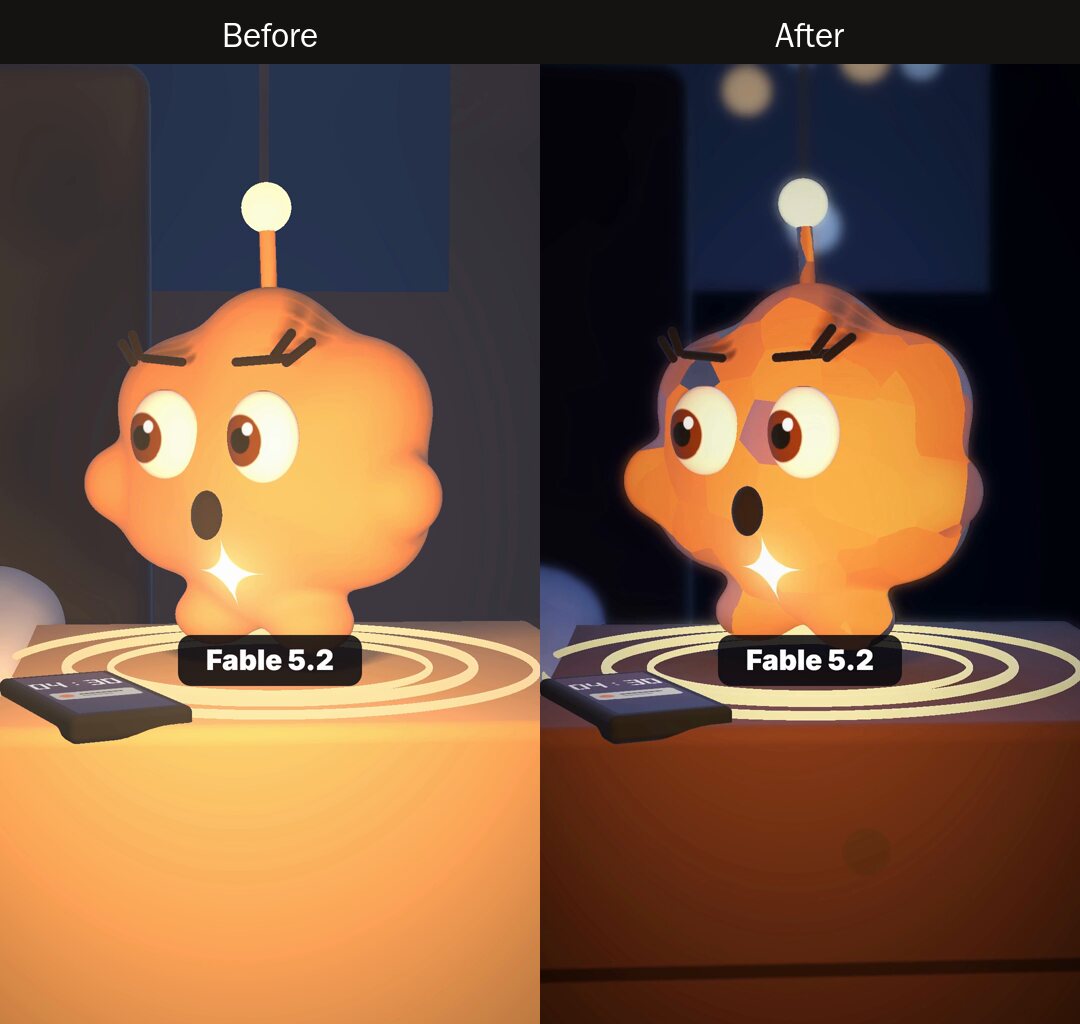
Warm characters on a dark, cool background. My first version was orange on orange and half the picture was almost white. Now the room is navy and the characters are lit warm.
Small flat faces instead of smooth shapes. Hair, clothes and the bot are built from little facets with hard edges. That is what reads as crisp.
Sharp speaker, blurred everything else. Whoever talks is in focus. The other character and the background are soft.
Show it, don't put it on a card. When the bot says I skipped the gym, the picture cuts to the bot next to a lonely dumbbell.
Look promptMy reference reels still look better than ours. Don't guess why. Put frames from the references and from our video side by side and measure: how much of the picture is warm, cool, very dark and very bright, and how many sharp edges there are.
Then tell me what the references do that we don't, and change our video to match their look. Keep my characters, my script and my subtitles exactly as they are.
💡 Tip: Learn the format from your references: light, colour, camera and pacing. The characters, the jokes and the script should be your own.
Step 6
Give it the brief
This is everything my feedback added up to, in one brief. It is not a magic prompt. It is the list of rules my reel follows, so you can start where I ended.
The briefMake a vertical 9:16 animated 3D skit reel, written and rendered as code. Use the Higgsfield connector for rendering and voices.
Characters: a 3D version of me ([your hair, outfit and build]) and my own original sidekick ([describe it, e.g. a small orange cloud bot with an antenna]). Don't copy any existing character, logo or mascot.
Setting: [where it happens, e.g. my bedroom at night, turning into morning].
Script: [paste your lines, one per row, with who says it]
Rules:
1. The first word is spoken in the first second. Nothing happens before the dialogue.
2. The first shot shows both characters and the thing that starts the story.
3. Something new happens about every 2 seconds: a new angle, a cut to the other character, an insert of what they talk about, or a pop-up. Not faster than that.
4. Keep the camera calm: a slow push in, about 1 percent zoom per second.
5. The sidekick is never frozen. It blinks, bounces or glows, also when it is not talking.
6. Subtitles: one line, max 3 words, in the upper part of the lower third. Put pop-up cards at the top.
7. Keep subtitles and cards in a separate layer on top of the picture, so text changes are fast.
8. Add sound for the things that happen on screen.
9. Warm characters against a dark, cool background. No big white areas.
10. Build hair, clothes and the sidekick from small flat facets with hard edges.
11. Whoever is talking is sharp. Blur the other character and the background.
12. When a line describes something, cut to a small scene that shows it instead of a text card.
Start with the first 12 seconds only and send me the file. Wait for my feedback before you build the rest.
Step 7
Fix it with feedback
The first version is never right. Watch it and say what you see, in plain words. These are real notes I gave:
1
"You can't see that it's me sleeping." Claude changed the pose and added Z's over my head.
2
"I have to say Claude right away." There were almost 3 seconds before the first word. Now it is the first frame.
3
"The bot sounds tired." Only the bot's lines were recorded again.
4
"The subtitles are too high." They moved down, one line, 3 words.
5
"Hers still looks better than ours." That led to the new colours, the facets and the blurred background.
6
"You are guessing too much." That is when Claude went back and measured the references. Say this early.
What I learned
My tips
1
Measure, don't guess. Every time the video felt off, the answer was in the reference reels.
2
Send everything as a file. I was on my phone, so I asked for every version as a video file in the chat.
3
One thing at a time. Rhythm first, then camera, then voices, then subtitles.
4
Steal the structure, not the character. Pacing and camera work are fair to learn from. The bot and the jokes should be yours.
Have fun! If you make one, tag me @shedoesai ♡
Want to edit every reel with Claude?
The Claude Editing Challenge: 7 days from idea to finished reel.