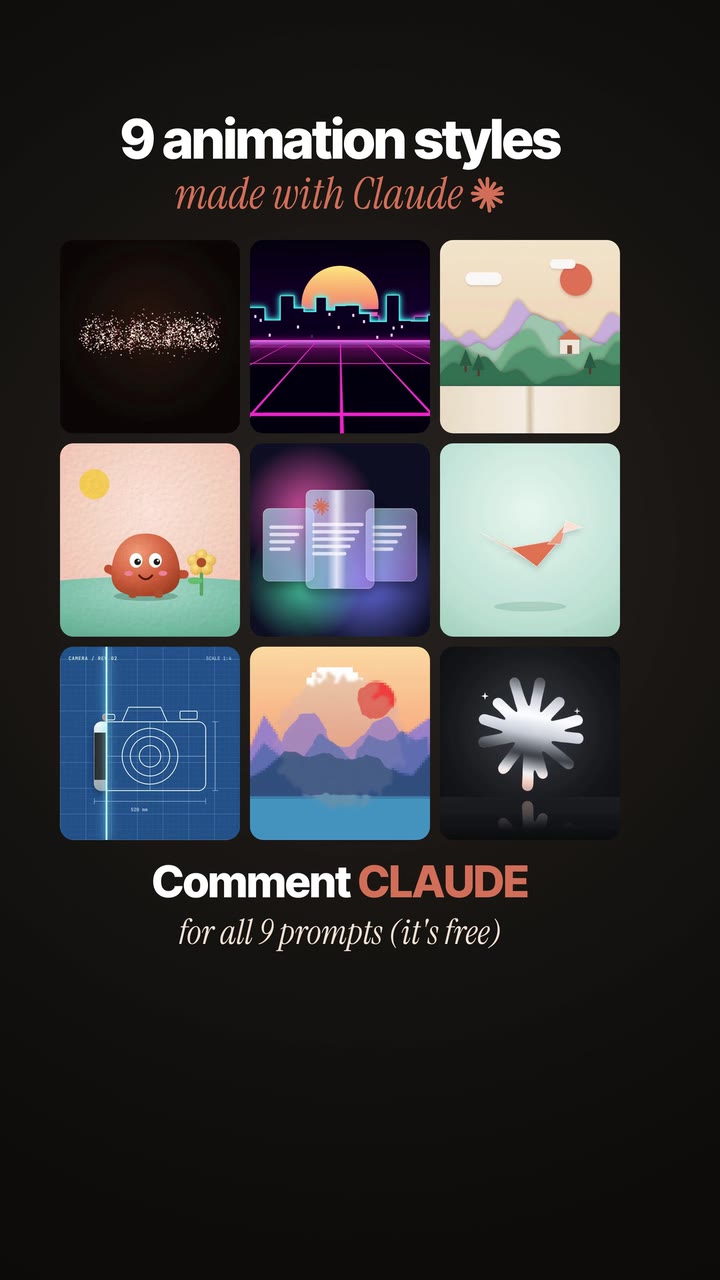
Every animation in my reel was made by Claude. Here are the prompts for all 9, in the same order as the reel. No animation app and no design skills needed. Paste a prompt, watch Claude build it.
✨ 9 copy-paste prompts⏱ 1 minute per style📱 Made for reels
no animation app
Before you start
How to use the prompts
Claudeclaude.ai or the Claude app. Any plan with artifacts works.
One promptCopy a prompt below and paste it into a new chat.
Claude builds the animation as an artifact you can watch right in the chat. Want it different? Just reply, like "make it slower", "use my brand colours" or "put my name in it". Every prompt asks for a portrait 4:5 card and a seamless loop, so it fits a reel straight away.
The prompts
The 9 prompts
1. Particle Morph
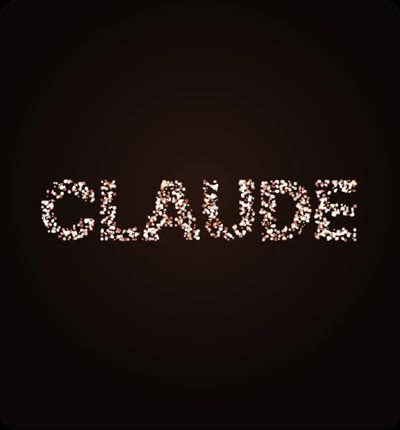
Thousands of glowing dots fly together, spell CLAUDE, then swirl into the logo. My favourite opener.
Build an HTML animation in a portrait 4:5 card on a dark warm brown background. About 1,500 small glowing particles in cream and soft orange start scattered across the card, fly together to spell the word CLAUDE in bold letters, hold for a beat with a gentle shimmer, then swirl along curved paths into a 12-ray starburst logo. Use a canvas, additive glow and smooth easing. Loop it seamlessly every 4 seconds.
2. Neon Synthwave
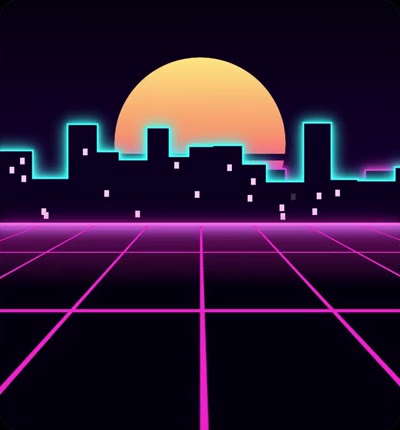
A striped sunset, a neon skyline drawing itself and an endless grid floor.
Build an HTML animation in a portrait 4:5 card in a retro synthwave style. A big striped sunset sun (yellow to hot pink) rises behind a city skyline. The skyline outlines draw themselves in glowing cyan and pink neon lines, then small windows flicker on. Below the horizon a hot pink perspective grid floor scrolls endlessly towards the viewer. Dark purple night sky with a few stars. Loop it seamlessly every 4 seconds.
3. Pop-up Paper
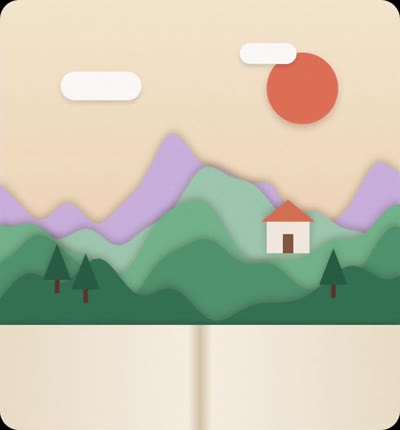
Paper hills fold up from an open book, one layer at a time.
Build an HTML animation in a portrait 4:5 card that looks like a pop-up book. At the bottom is an open book page with a soft centre fold. Five layers of cut-paper hills (lavender at the back, then greens getting darker towards the front) fold up one after another from the page with a springy bounce. A little paper house and paper trees sit on the front layers, a paper sun pops up and paper clouds drift in. Add soft paper shadows and a subtle paper texture. Loop it every 4 seconds.
4. Claymation
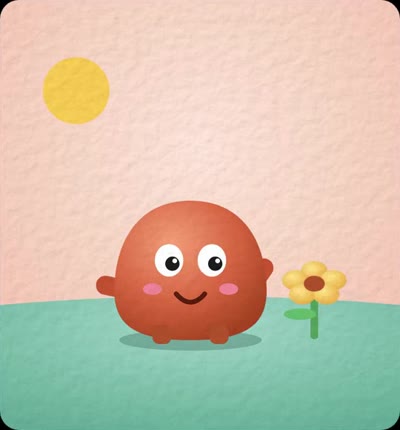
A little clay character drops in, squashes, waves and blinks, in choppy stop-motion.
Build an HTML animation in a portrait 4:5 card in a claymation stop-motion style. A cute round orange clay character with big googly eyes, rosy cheeks and a smile drops onto a mint green clay floor in front of a pink wall, squashes on landing, stretches back up, waves one arm and blinks. A yellow clay flower grows beside it. Give every shape a bumpy clay texture with soft lighting, and move everything in choppy steps (about 12 frames per second) so it feels hand animated. Loop it every 4 seconds.
5. Holo Glass
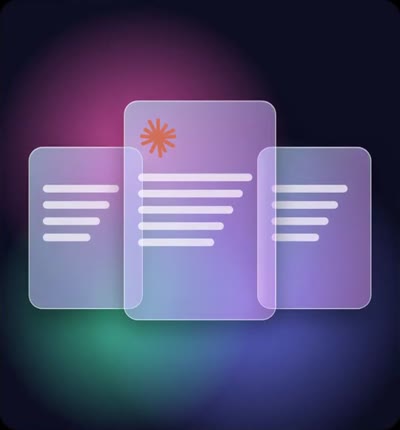
Frosted glass cards flip in with a rainbow holographic sheen.
Build an HTML animation in a portrait 4:5 card with a frosted glass look. On a deep navy background, soft glowing blobs of pink, blue and teal drift slowly. Three frosted glass cards (a big one in the middle with a small orange starburst icon and text lines, two smaller ones behind it) flip in one by one in 3D, then a shiny light streak sweeps across them. Give the cards a rainbow holographic sheen that slowly shifts colour. All cards end up straight. Loop it every 4 seconds.
6. Origami
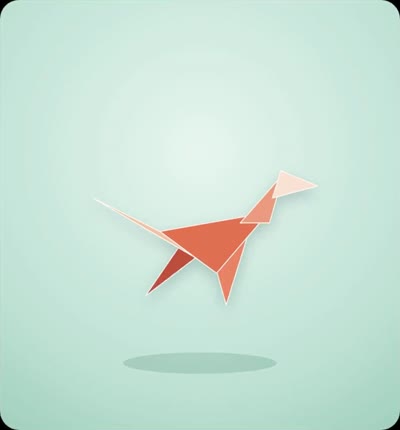
A paper square folds itself into a bird and flies away.
Build an HTML animation in a portrait 4:5 card in an origami paper style. On a soft mint background, a square sheet of orange paper made of six triangles spins in, then the triangles fold and morph into a low-poly paper bird. The bird flaps its wings a few times and flies up and away while its shadow on the ground shrinks. Use two or three shades of orange and cream so the folds read clearly. Loop it every 4 seconds.
7. Blueprint
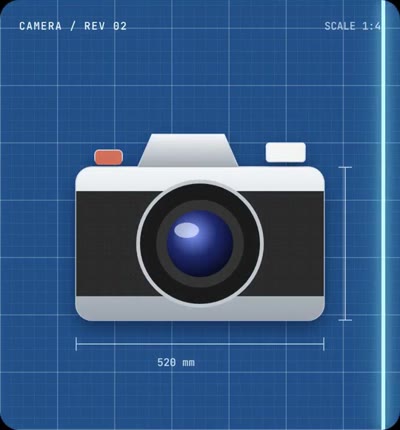
A technical drawing sketches itself, then a scan line reveals the real thing.
Build an HTML animation in a portrait 4:5 card in a blueprint style. On a blue grid paper background, white technical lines draw themselves to sketch a vintage camera (body, top plate, flash, lens rings) with measurement lines, a label in the corner and a mono font. Then a glowing scan line sweeps from left to right and reveals the finished, fully coloured and shaded camera behind it. Loop it every 4 seconds.
8. Pixel to Watercolour
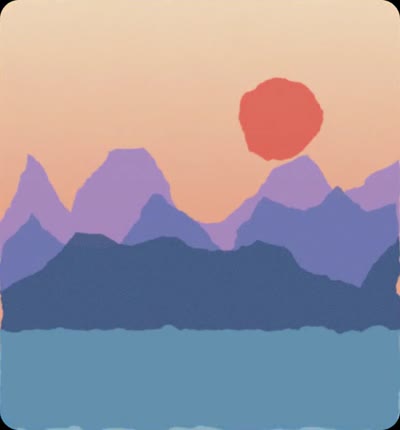
Chunky pixel art bleeds into a soft watercolour painting.
Build an HTML animation in a portrait 4:5 card that starts as chunky pixel art and turns into a watercolour painting. The scene is a sunset over layered mountains and a lake, with a pixel cloud stepping across the sky. From the middle, an organic, uneven watercolour bleed spreads outwards and transforms the scene into soft painted washes with wobbly edges and paper texture. Loop it every 4 seconds.
9. Liquid Chrome
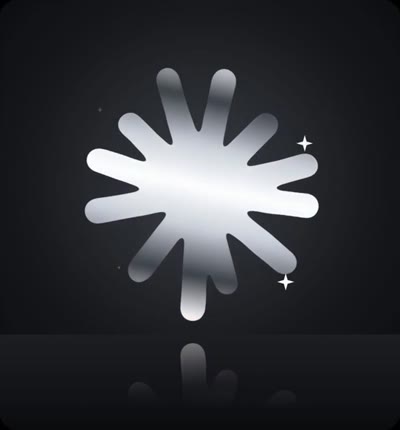
Blobs of liquid metal melt together into a shiny logo.
Build an HTML animation in a portrait 4:5 card with a liquid chrome look. On a dark studio background, blobs of shiny liquid metal float in from the edges, melt together like mercury and form a 12-ray starburst logo. A reflection moves across the chrome surface, the logo slowly turns, and a mirror reflection fades out on the floor below. Add a few small sparkles. Loop it every 4 seconds.
From animation to reel
Turn it into a reel
The easiest way is to screen record the animation while it plays.
1
Open it full screen. On desktop, use the full screen button on the artifact.
2
Record it. Cmd + Shift + 5 on Mac, or screen recording in Control Center on iPhone. Let it loop a couple of times.
3
Crop to 9:16 in your editing app and add it to your reel.
Want all 9 in one video like mine? Send this:
Put all 9 animations in one page, one after another, 1.4 seconds each, with a quick zoom blur between them and a 3x3 grid of all of them at the end.
Then screen record that page.
What I learned
My tips
1
Put the most wow first. The first second decides if people keep watching.
2
Make it yours. Swap the word CLAUDE for your name or brand, and the colours for your own.
3
Keep it short. One or two seconds per style is plenty in a reel.
Have fun! If you make one, tag me @shedoesai ♡
Want to edit every reel with Claude?
The Claude Editing Challenge: 7 days from idea to finished reel.